
Deploy the Gateway
Five minutes, one server, done.
Gateway: one command
npm i -g dsh-enterprise-gateway

# start from any directory
dsh-enterprise-gateway
The first start creates the ./data directory and a bootstrap admin. The initial admin password is printed once in the startup log — save it immediately. The gateway listens on http://127.0.0.1:8899.
Prefer not to install globally? Run npx dsh-enterprise-gateway; relocate the data directory via ENT_DATA_DIR / ENT_DB_PATH.
Open /admin and do two things:
- Add your AI provider under "Providers & Models" (baseUrl + API key)
- Create employee accounts under "User Management"
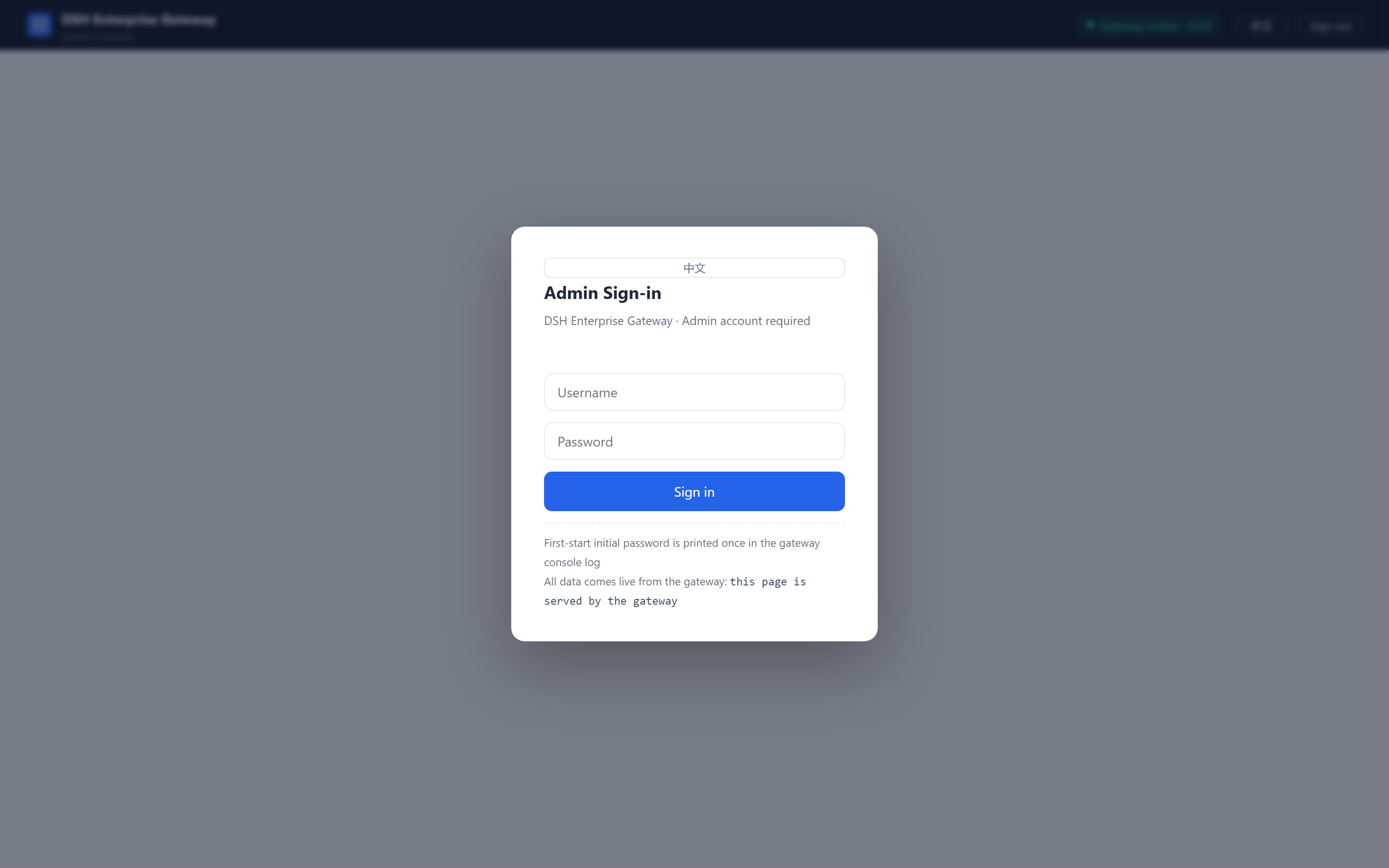 Admin sign-in: the first-start initial password is printed once in the gateway console log
Run from source (developers)
git clone https://github.com/mafeis/dsh-enterprise-gateway.git
cd dsh-enterprise-gateway/gateway
npm install

# Provider keys go into data/.env, one per line: ENT_PROV_<NAME>_KEY=sk-xxx

node gateway.mjs
Forgot the admin password? Run node scripts/reset-admin-pw.mjs <new-password> from the package directory (for global installs: $(npm root -g)/dsh-enterprise-gateway).
Client Plugin: one step
On each employee's DSH Desktop:
dsh plugin add dsh-enterpriseFill in the gateway URL in the plugin settings, sign in with the enterprise account — done.
Configuration
Config file: data/gateway-config.json (auto-created on first start):
{
  "server": { "port": 8899, "host": "0.0.0.0" },
  "auth": { "mode": "jwt" },
  "policy": {
    "allowedPlugins": [],
    "pluginEnforce": "enforce",
    "pluginRegistry": { "mode": "off" }
  }
}server.hostdefaults to loopback only; set0.0.0.0explicitly for LAN/public access- JWT secret goes in the
ENT_JWT_SECRETenv var — never in the config file - Provider API keys go into
data/.env, one per line:ENT_PROV_<NAME>_KEY=sk-xxx - Most policy changes hot-apply from the admin console, no restart needed
Requirements
- Node.js ≥ 22.5 (built-in SQLite — no database service to install)
- 2C4G to start; disk sized by your audit retention (default 90 days)
Next: Connect Clients